Google Docs is a document editor. Connect it to WPOS and the agent can use it as part of the work it does on your site.
Google Docs is a document editor. Connected to WPOS, it lets the agent create and edit documents and use their content on a site, all from the chat beside your site’s live preview.Category: Productivity and documents Actions available: 31+
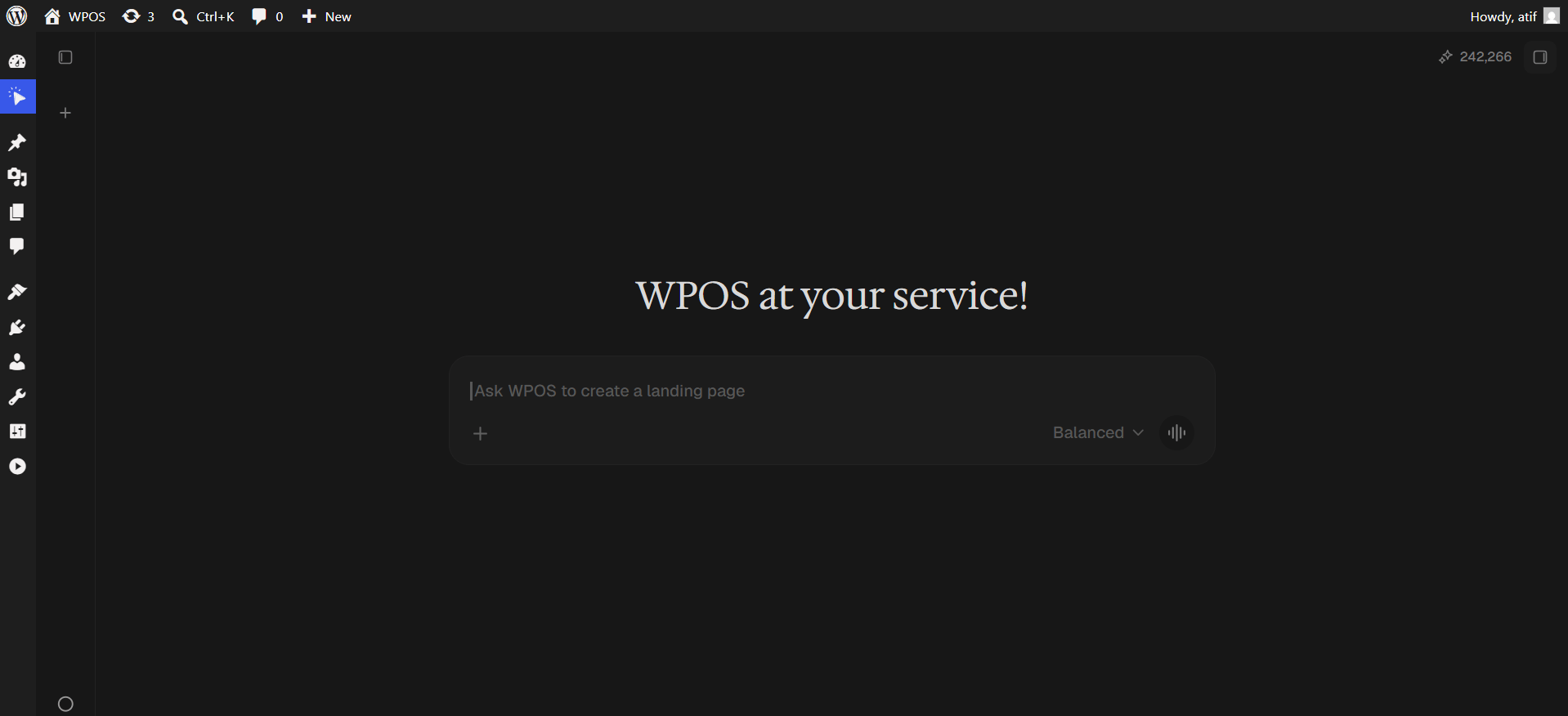
In WordPress admin, open WPOS. You land on the chat screen.
WPOS opens on the chat screen.
2
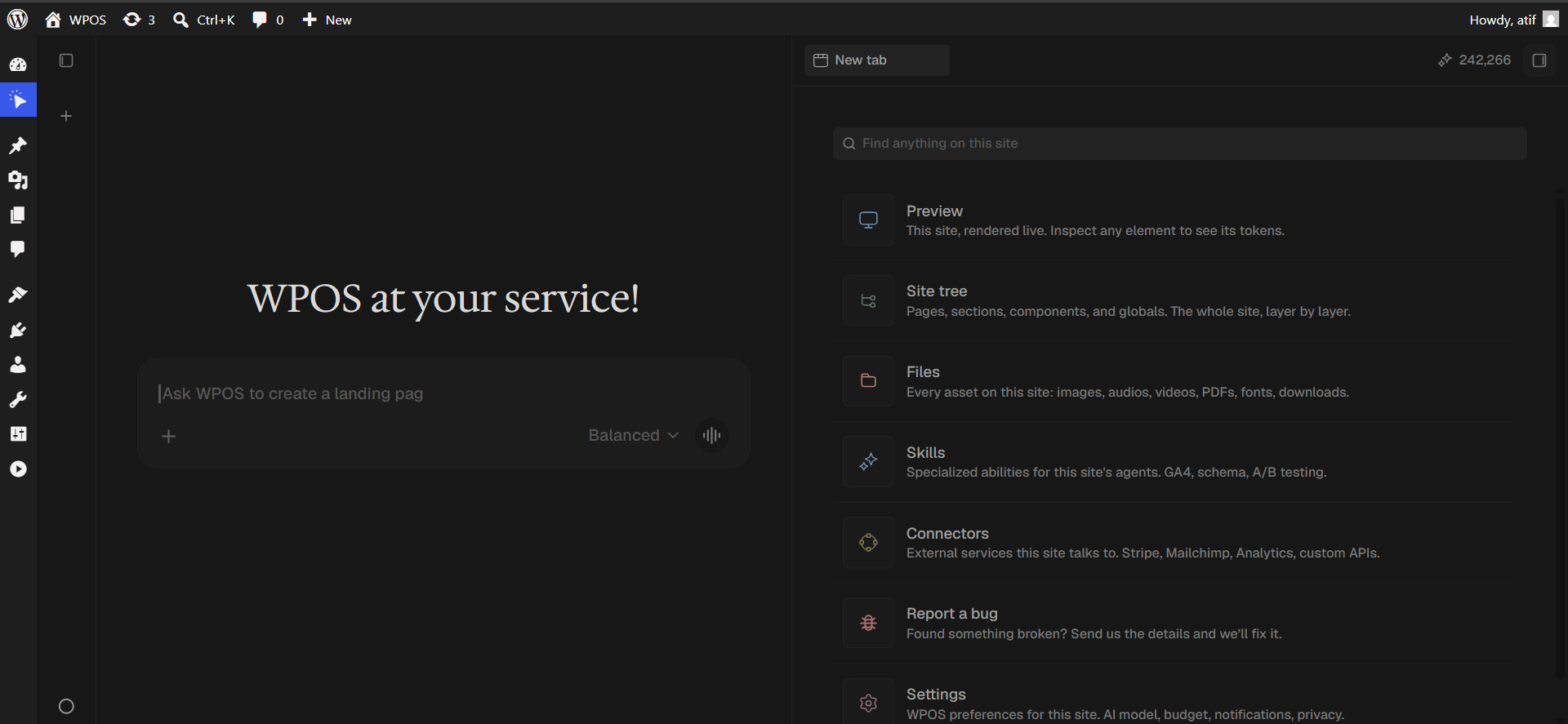
Open a new tab and choose Connectors
Click the + button to open the launcher panel, then choose Connectors.
The launcher panel. Connectors is the fifth entry.
3
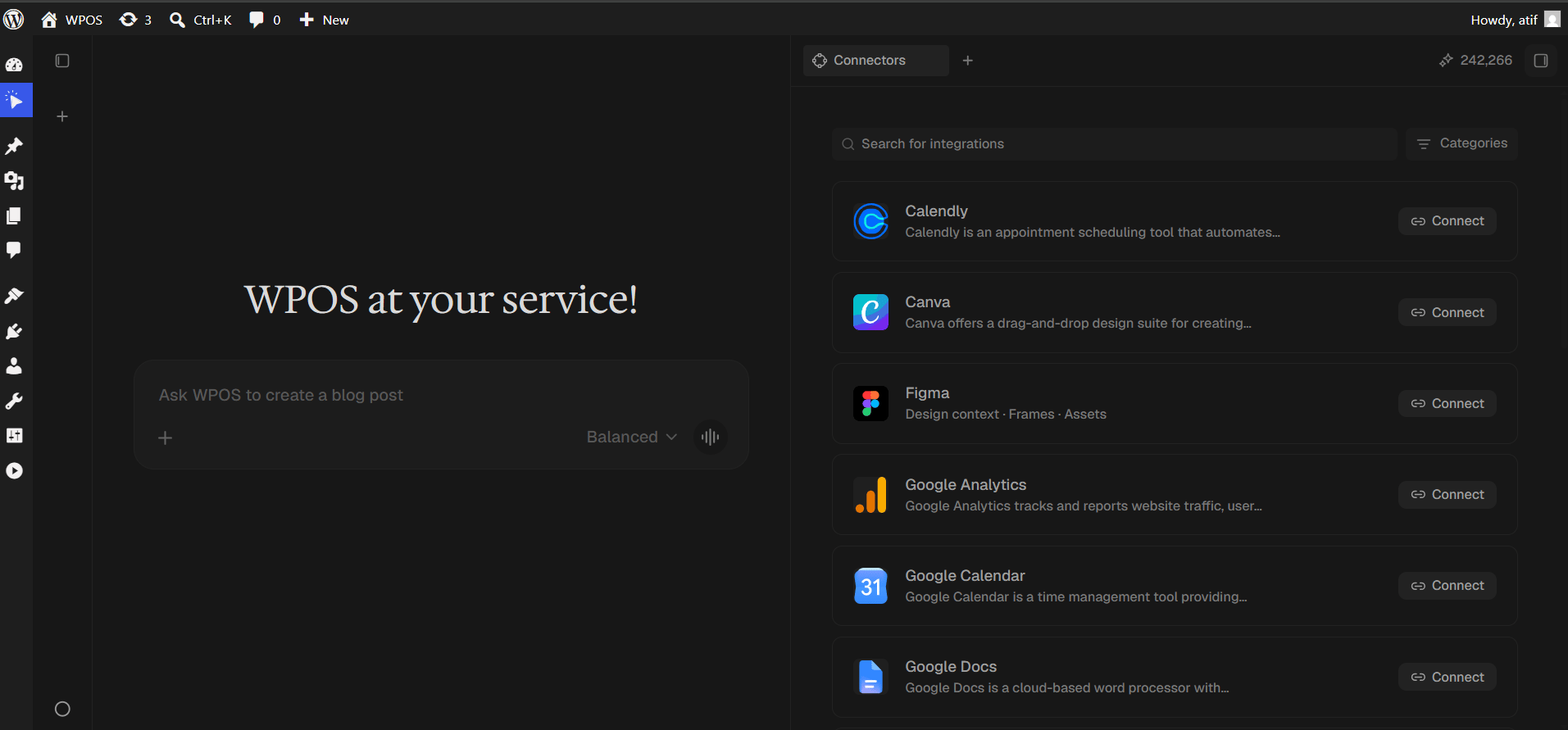
Find the connector
Every available connector is listed alphabetically, each with a button showing what it needs.
The Connectors panel, sorted alphabetically.
4
Search and press Connect
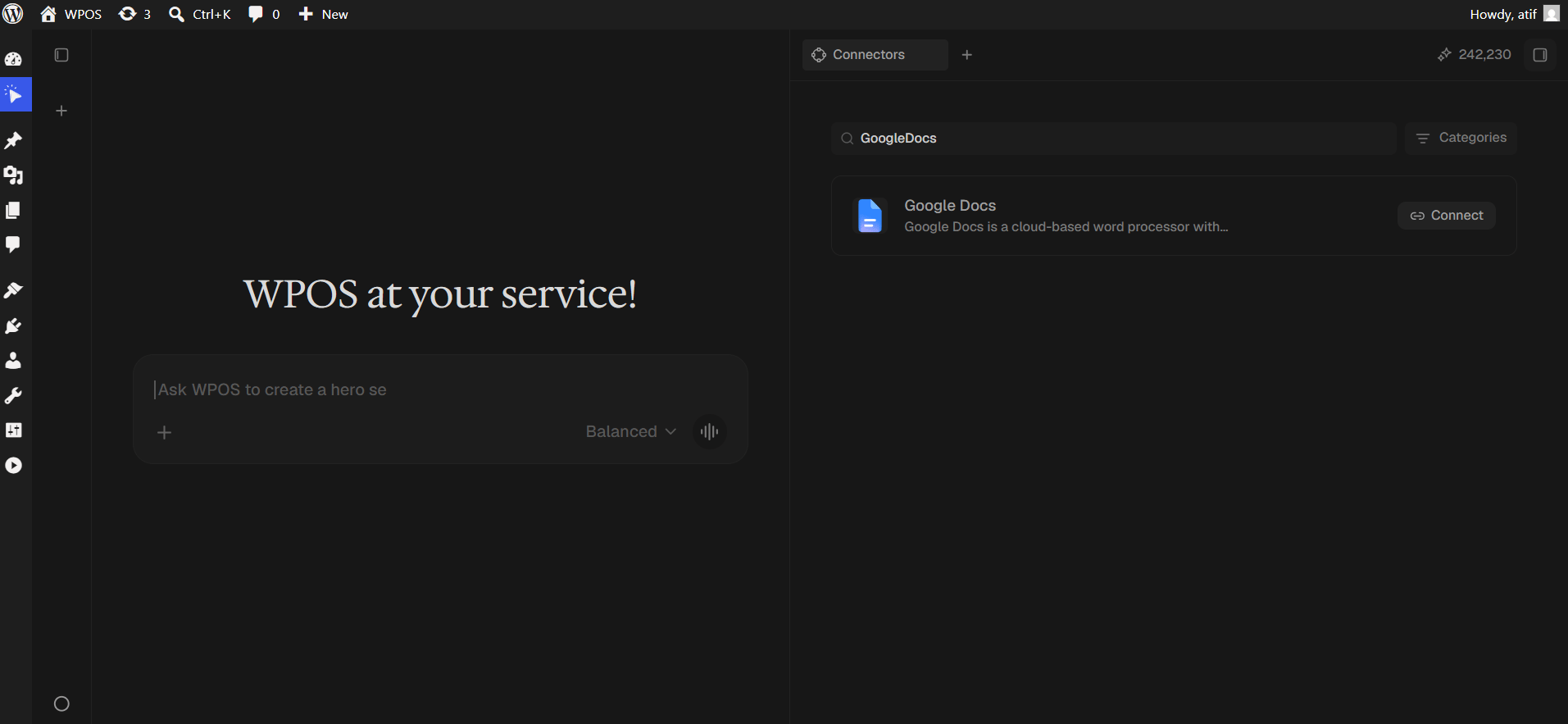
Type Google Docs into Search for integrations, then press Connect.
Search narrows the list to one row.
5
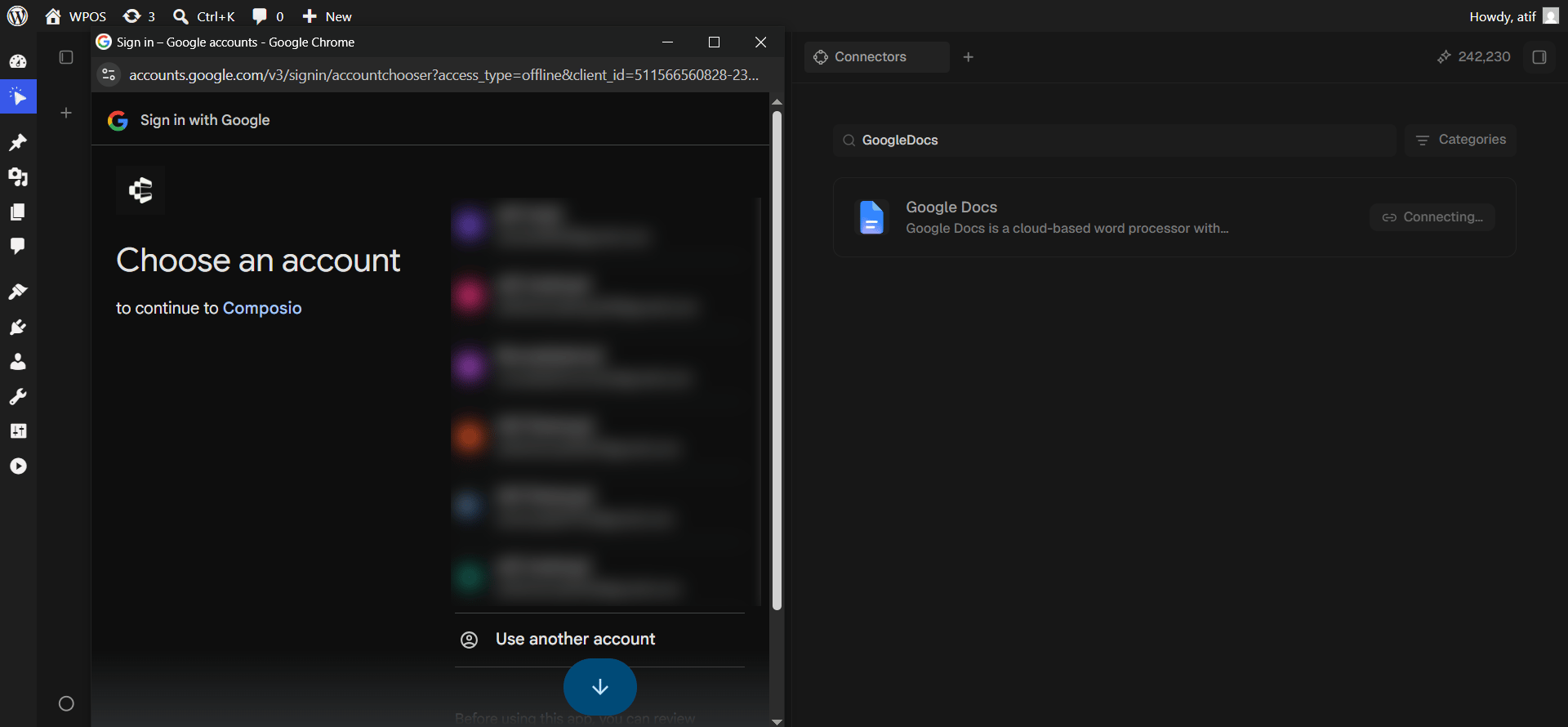
Choose your Google account
Pick the account whose documents you want WPOS to reach.
Google asks which account to connect.
6
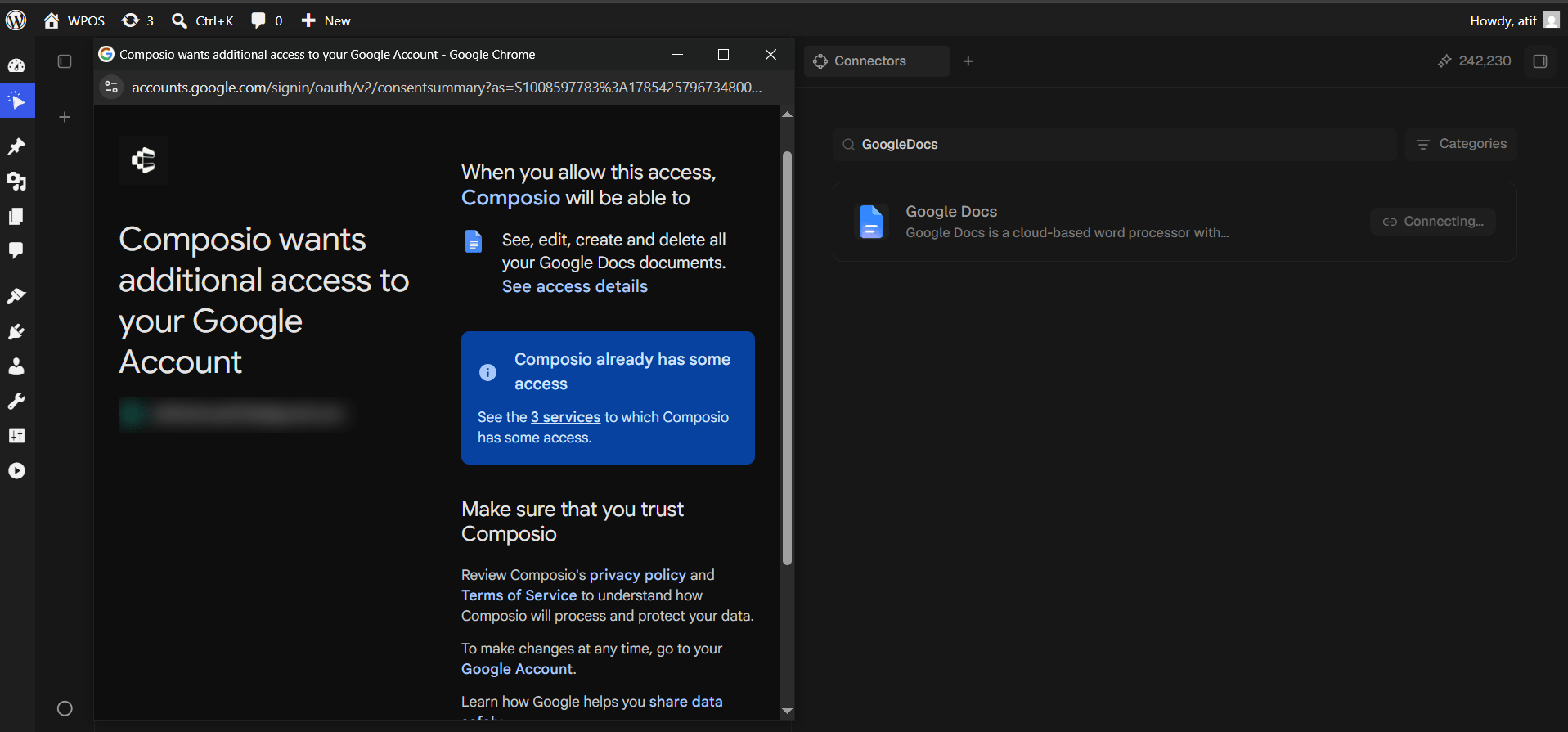
Grant access
Google lists what Composio will be able to do, then you click Continue.
This screen has three shapes, depending on what Composio already holds for your account. Several new permissions gives you a checklist with boxes that start empty, and you must tick Select all. One new permission is listed plainly with nothing to tick, as pictured. Nothing new gives you just Cancel and Continue.
One new permission, listed plainly.
7
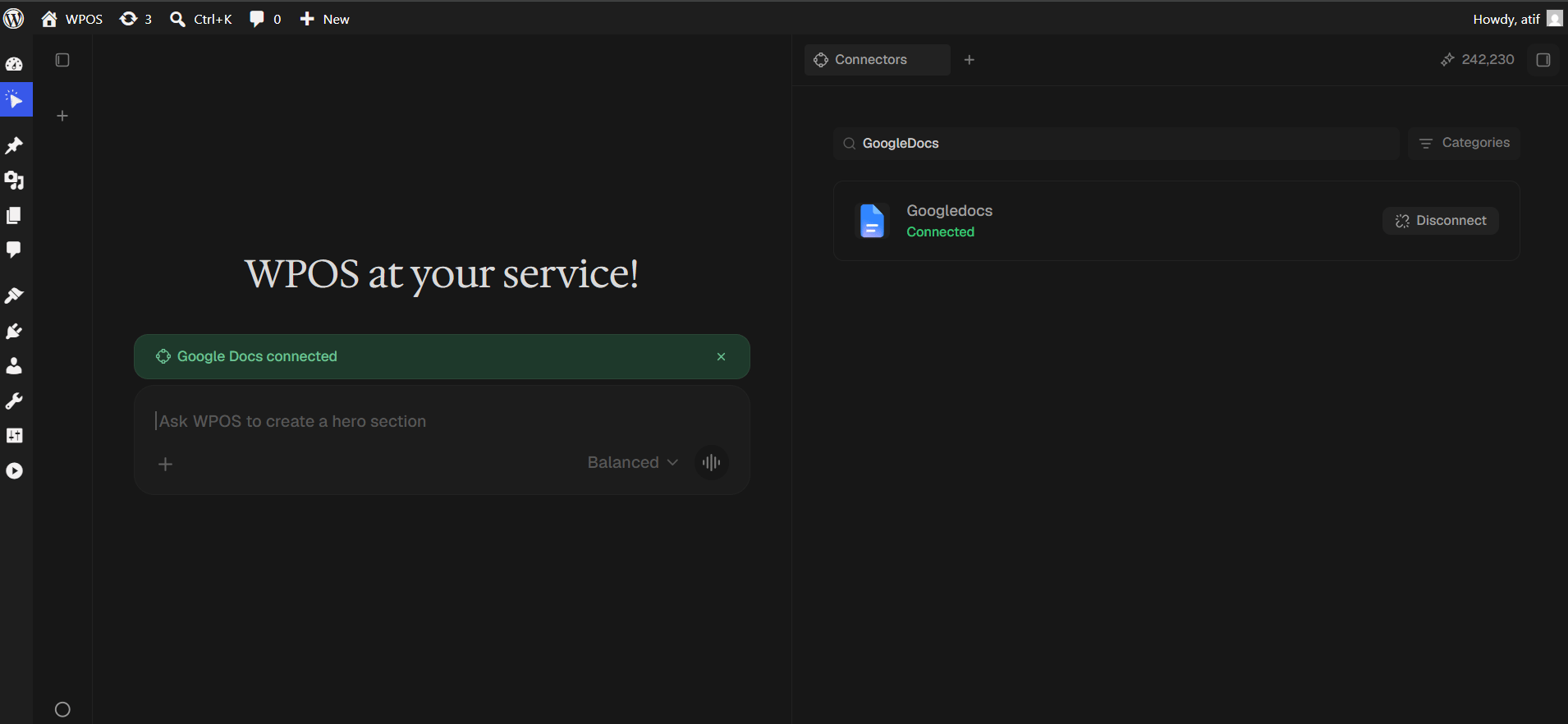
Confirm in WPOS
The row reads Connected and a green “Google Docs connected” banner appears in the chat.
The connected row is labelled Googledocs, one word. Cosmetic only.
Docs and WordPress do not share a formatting model. Headings, bold, italics, lists, and links transfer reliably. Columns, custom fonts, text boxes, and drawings do not.
Images do not come across
Images embedded in a doc are not added to the media library automatically. Upload them separately, or keep them in Drive and reference them from there.
Comments and suggestions are ignored
WPOS reads the document body, not the comment thread. Accept suggestions before importing, or the pre-suggestion text is what gets used.
For popup failures, expired connections, and other issues shared across every
connector, see Introducing Connectors.