Google Drive is a file storage and sharing service. Connect it to WPOS and the agent can use it as part of the work it does on your site.
Google Drive is a file storage and sharing service. Connected to WPOS, it lets the agent manage files and pull assets and content into a site, all from the chat beside your site’s live preview.Category: Productivity and documents Actions available: 63+
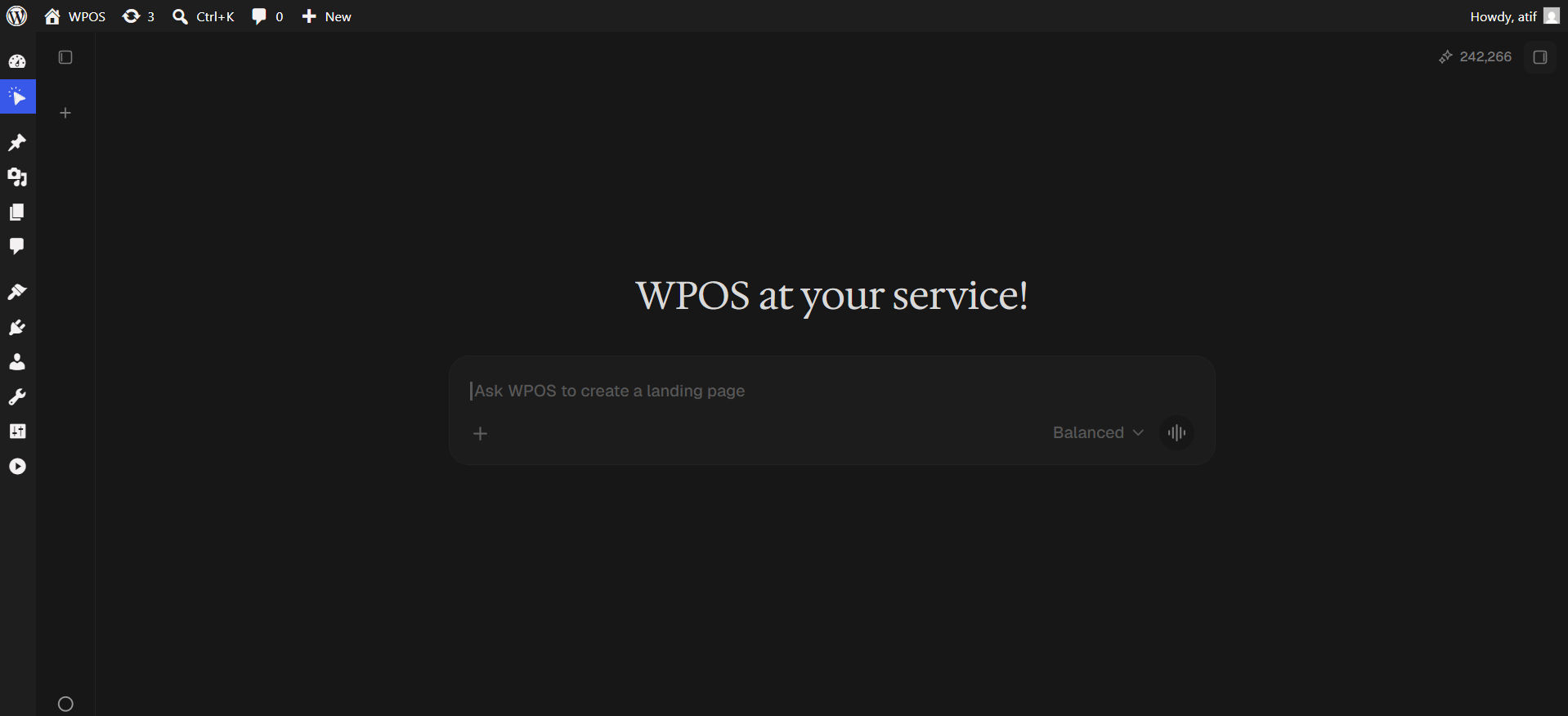
In WordPress admin, open WPOS. You land on the chat screen.
WPOS opens on the chat screen.
2
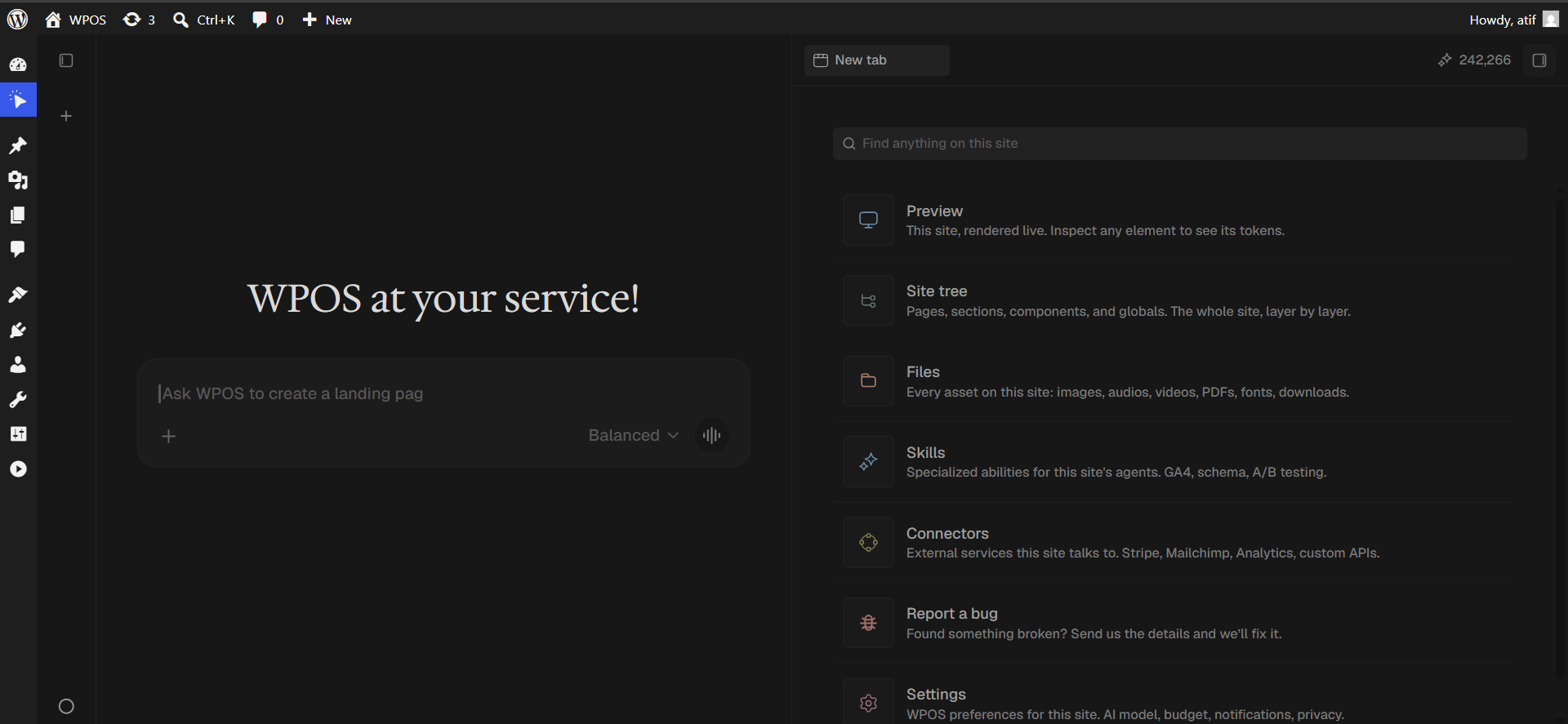
Open a new tab and choose Connectors
Click the + button to open the launcher panel, then choose Connectors.
The launcher panel. Connectors is the fifth entry.
3
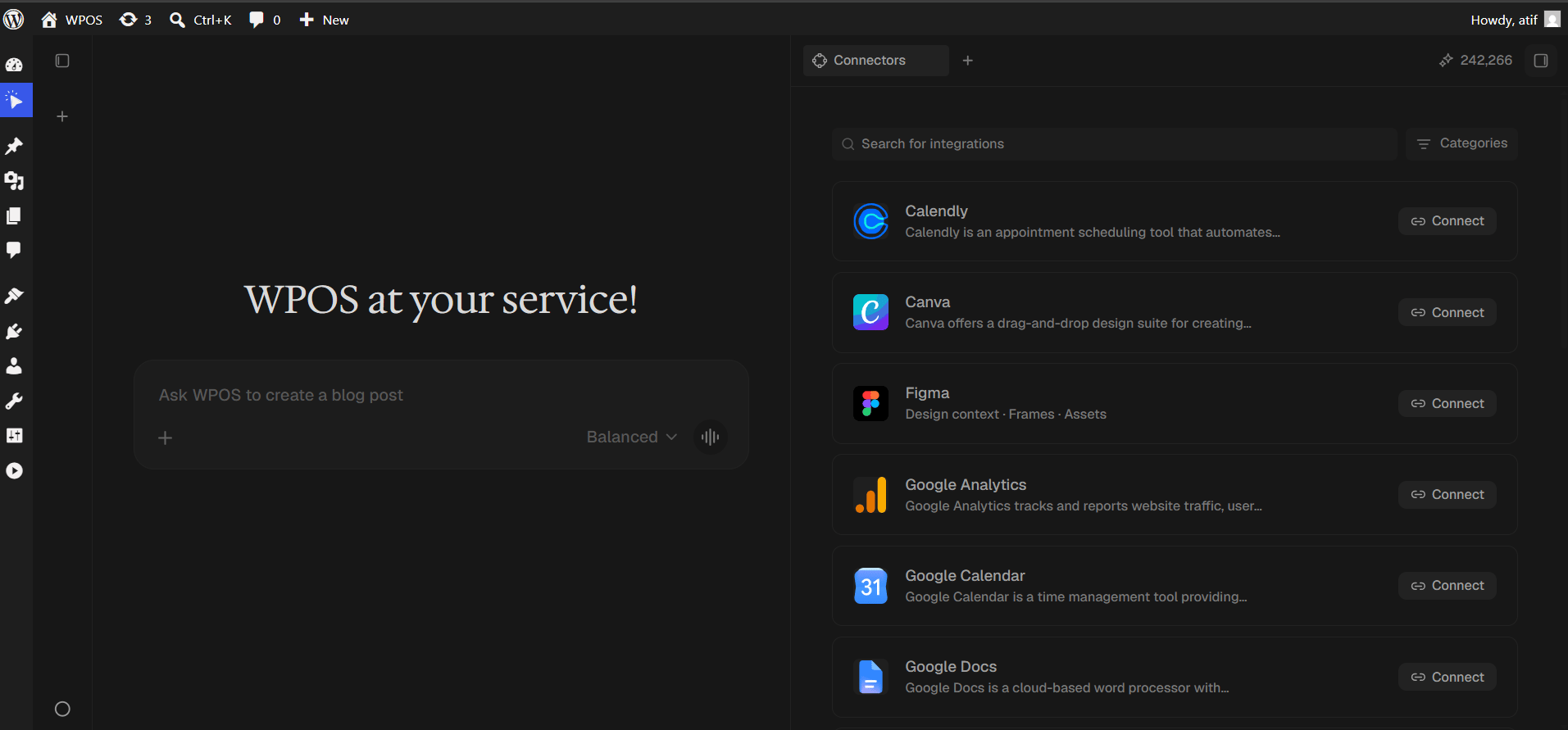
Find the connector
Every available connector is listed alphabetically, each with a button showing what it needs.
The Connectors panel, sorted alphabetically.
4
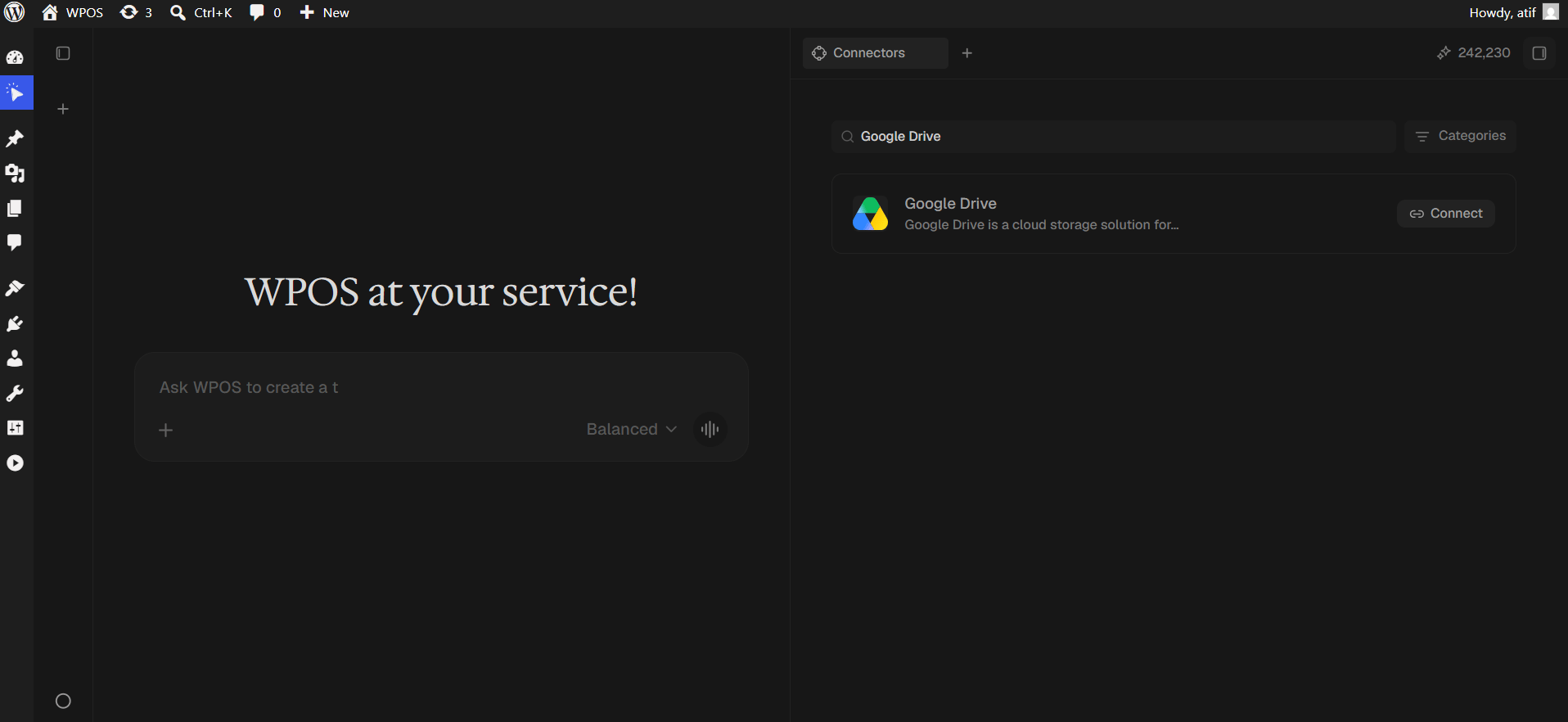
Search and press Connect
Type Google Drive into Search for integrations, then press Connect.
Search narrows the list to one row.
5
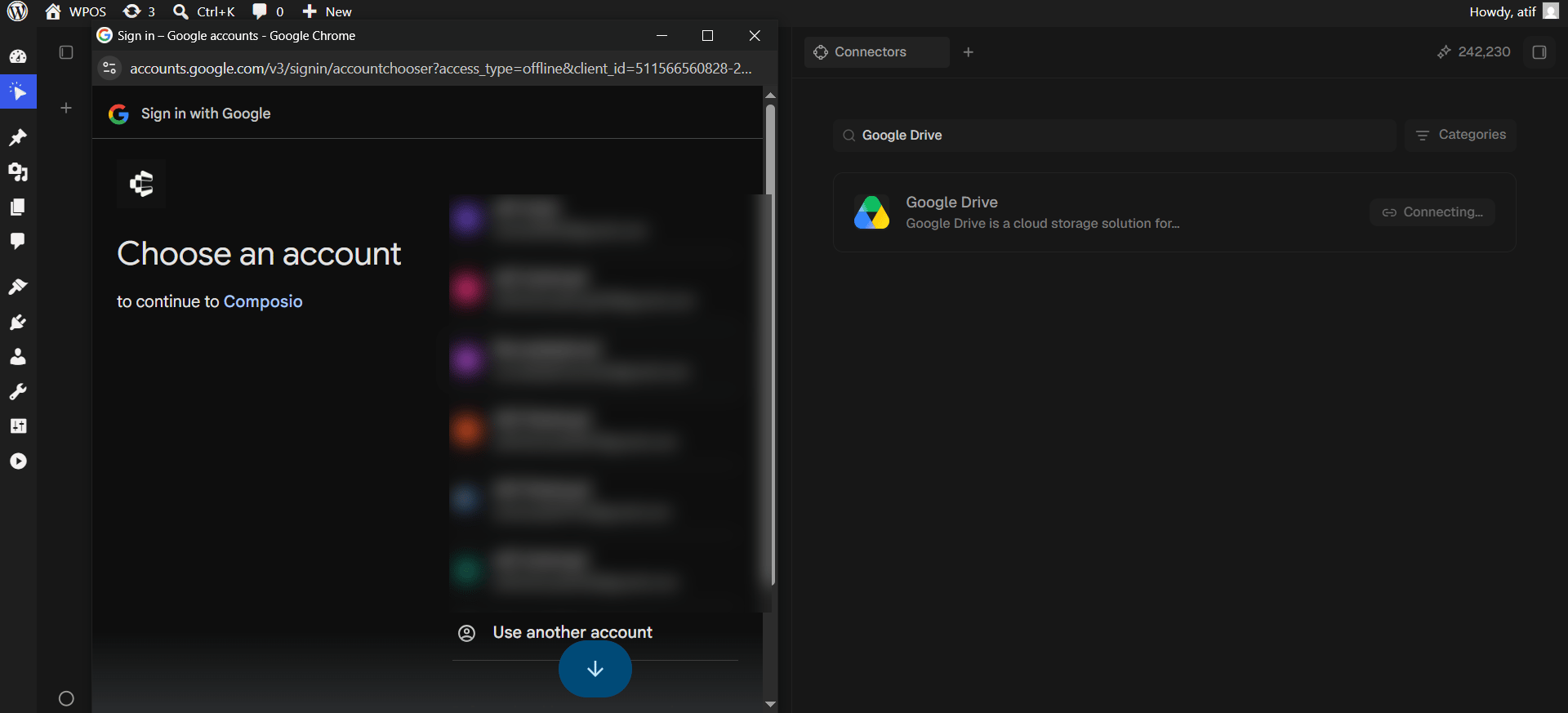
Choose your Google account
Pick the account whose Drive you want WPOS to reach.
Google asks which account to connect.
6
Grant access
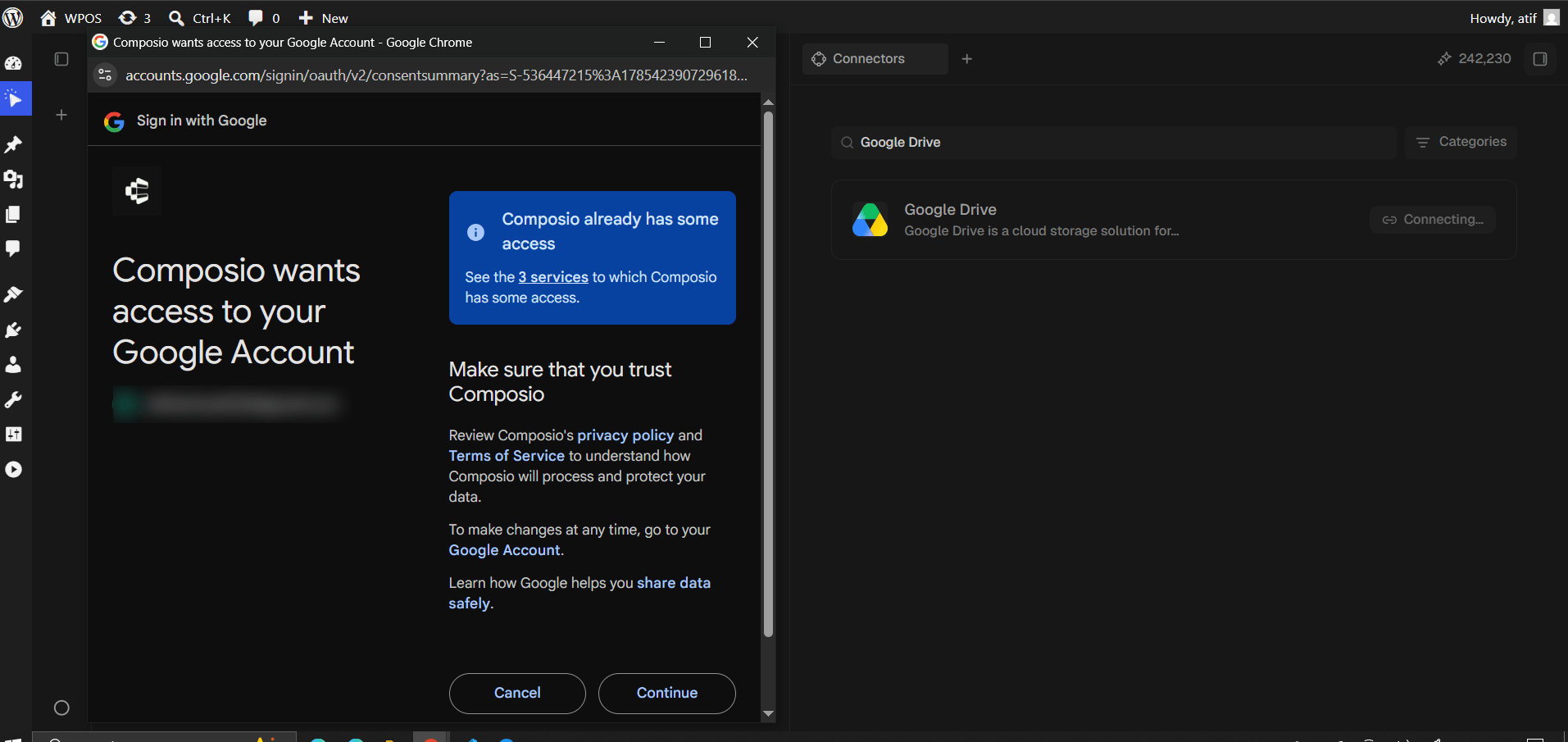
Review the request and click Continue.
On a first authorization Google shows permission checkboxes that start empty. Tick Select all before continuing. Drive access is broad: see, edit, create and delete all of your Drive files. Read it before approving.
The consent screen. Read the scope before approving.
7
Confirm in WPOS
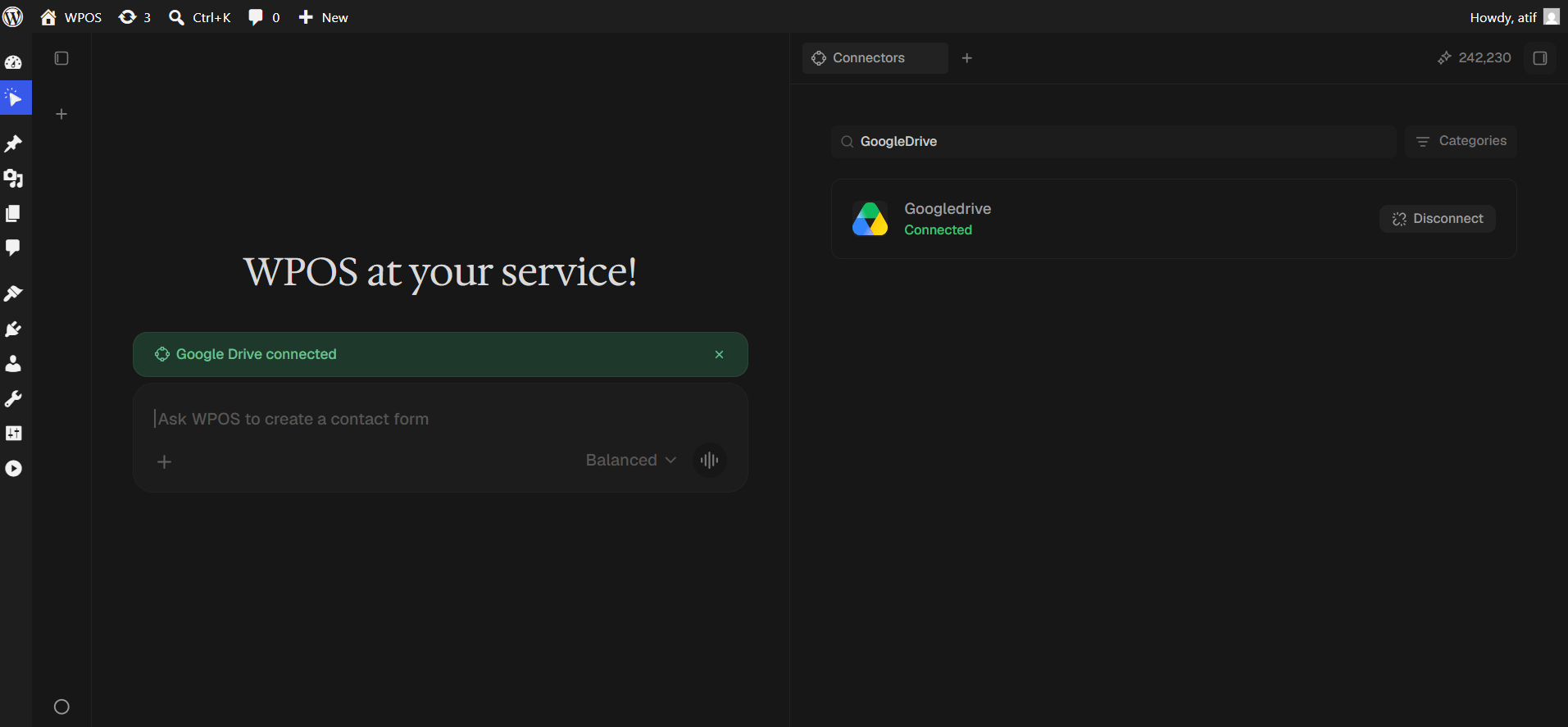
The row reads Connected and a green “Google Drive connected” banner appears in the chat.
The connected row is labelled Googledrive, one word. Cosmetic only, as with Sheets and Docs.
On a first authorization the permission checkboxes were left unticked. Disconnect, reconnect, and tick Select all.
Shared drive files are not visible
Shared drives are separate from My Drive and need explicit membership. Confirm the connected account is a member, and name the shared drive in your prompt.
“Storage quota exceeded”
The Drive is full. Free space or upgrade before uploading.
An uploaded file went to the wrong folder
Without a folder specified, uploads land in the Drive root. Give the folder name or its ID.
For popup failures, expired connections, and other issues shared across every
connector, see Introducing Connectors.