

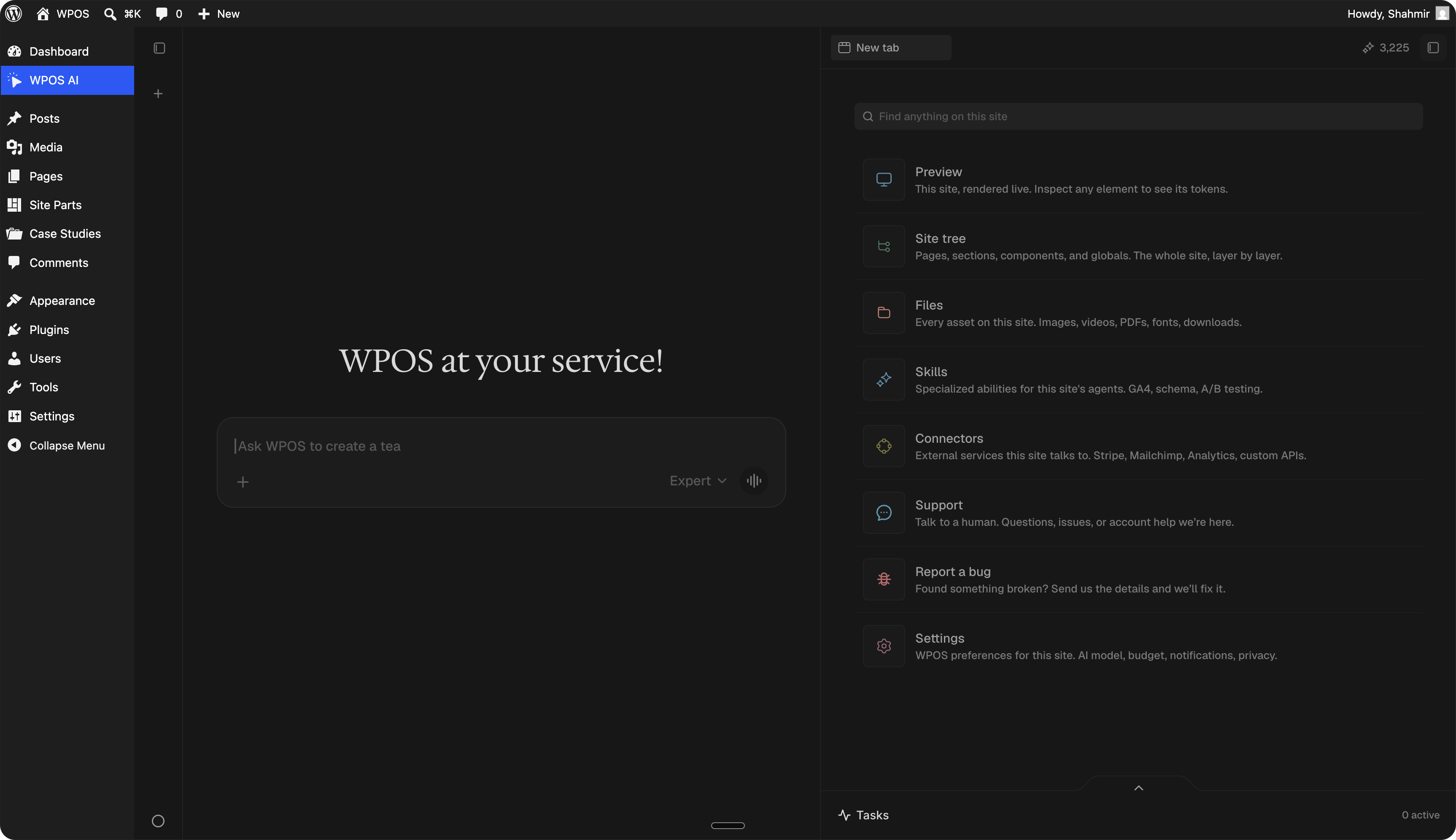
The WPOS Command Center: a chat beside a live preview of your site, with site surfaces along the right.
What WPOS is not
WPOS is not an AI website builder that spits out a generic site and locks you inside a closed platform. The sites stay native WordPress, on your host, in your control. The point is not to generate a site once and walk away. The point is to operate sites continuously: the same chat-and-preview loop handles the first build, the client’s later requests, and the upkeep months down the line.How it fits together
1
Connect
Install the plugin on a WordPress site and link it to your WPOS account. WPOS
reads how the site is built. See Install.
2
Operate
Work from the Command Center inside wp-admin. Click an element in the preview,
ask for the change, and watch it land on the page. See
The Command Center.
3
Connect the rest
Bring in the tools you already use, like forms and the rest of your stack,
through Connectors.
Start here
Quickstart
Connect your first site and make your first change in under ten minutes.
Install the plugin
Get WPOS onto a site and connected to your account.
The Command Center
Chat plus a live preview inside wp-admin. Click an element to work on it.
Connect your tools
Bring tools like forms and the rest of your stack into the work.