

Pick your builder
Gutenberg
Core blocks in the block editor, and sections turned into reusable widgets.
Elementor
Real Elementor containers you can edit in the Elementor editor.
Divi
Divi pages from a design’s own code or in native modules, on Divi 4 and 5.
Builder independence
WPOS widgets are registered natively in every builder it supports, so the same widget works wherever the site is built: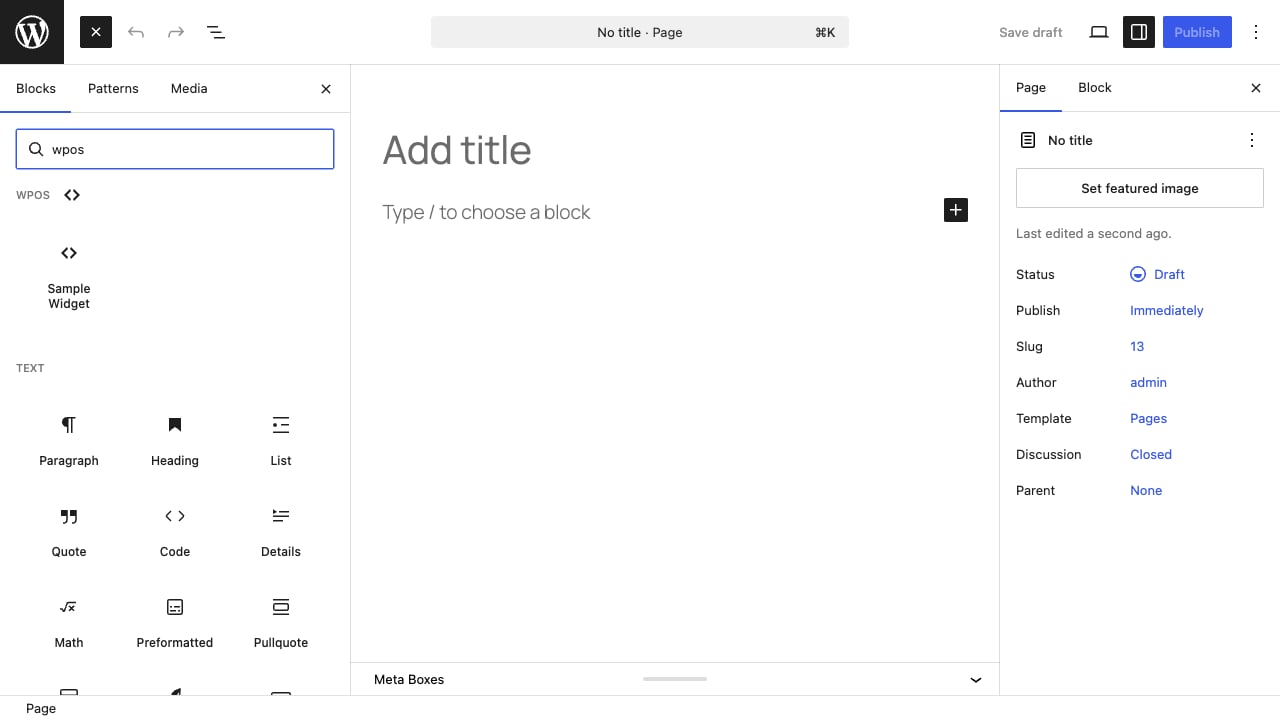
A WPOS widget appears as a native block in the Gutenberg inserter, under its own WPOS category.
- Gutenberg. Native blocks, under a WPOS category in the block inserter, and in the Patterns panel.
- Elementor. Native Elementor widgets, under their own WPOS category in the widget panel, with no compatibility warning in the editor.
- Divi. Native Divi modules through the Builder Bridge, on Divi 4 and Divi 5.
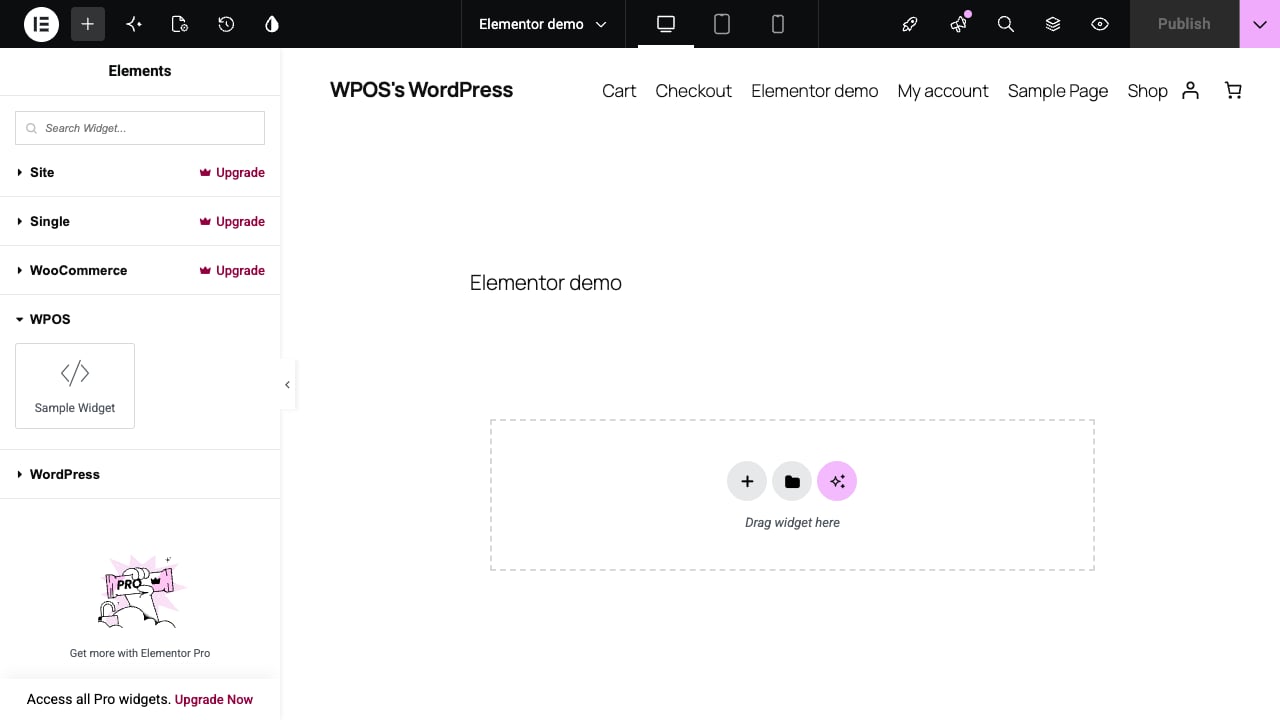
The same WPOS widgets appear under a WPOS category in the Elementor widget panel.
Choose the builder WPOS targets
In Settings, under Preferences, set Preferred page builder to Gutenberg or Elementor. The change takes effect from the next chat session. On a Divi site, say in the chat that you want the page built in Divi.Pages built from the builder’s own blocks, containers, and modules stay
editable in that builder even without WPOS. Sections built as WPOS widgets
need the WPOS plugin to render, so keep the plugin active on sites that use
them.