

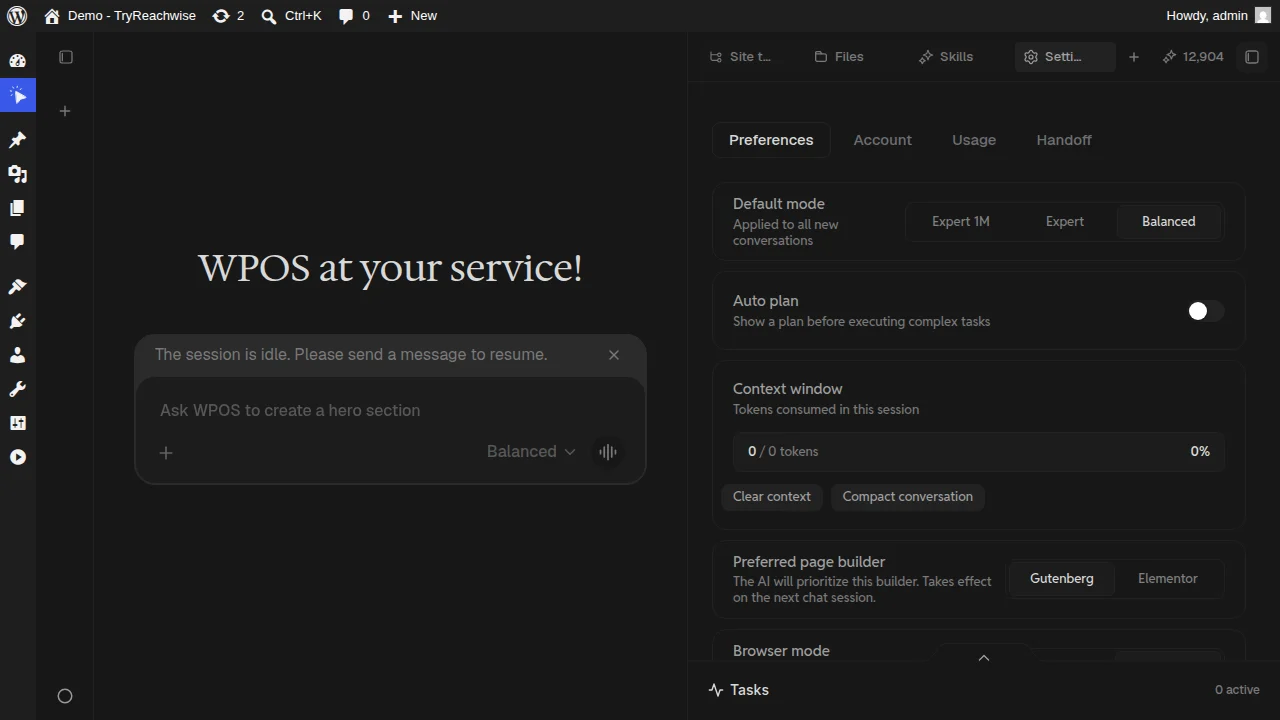
The Settings surface, Preferences tab: default mode, auto plan, context window, and preferred page builder.
Preferences
- Default mode. The mode applied to new conversations: Balanced, Expert, or Expert 1M. See Chat and modes for what each one is for.
- Auto plan. When on, WPOS shows a plan before executing complex tasks, so you can review the intended steps before it touches the site.
- Context window. Shows the tokens consumed in the current session, with options to Clear context or Compact conversation when a long chat gets heavy.
- Preferred page builder. Tell the agent whether to prioritize Gutenberg or Elementor. Takes effect on the next chat session.
Account, Usage, and Handoff
Account
Your account details for this site.
Usage
How credits are being used. See Billing for how credits,
plans, and site licenses fit together.
Handoff
Hand a site or its access off, for client or team workflows.