

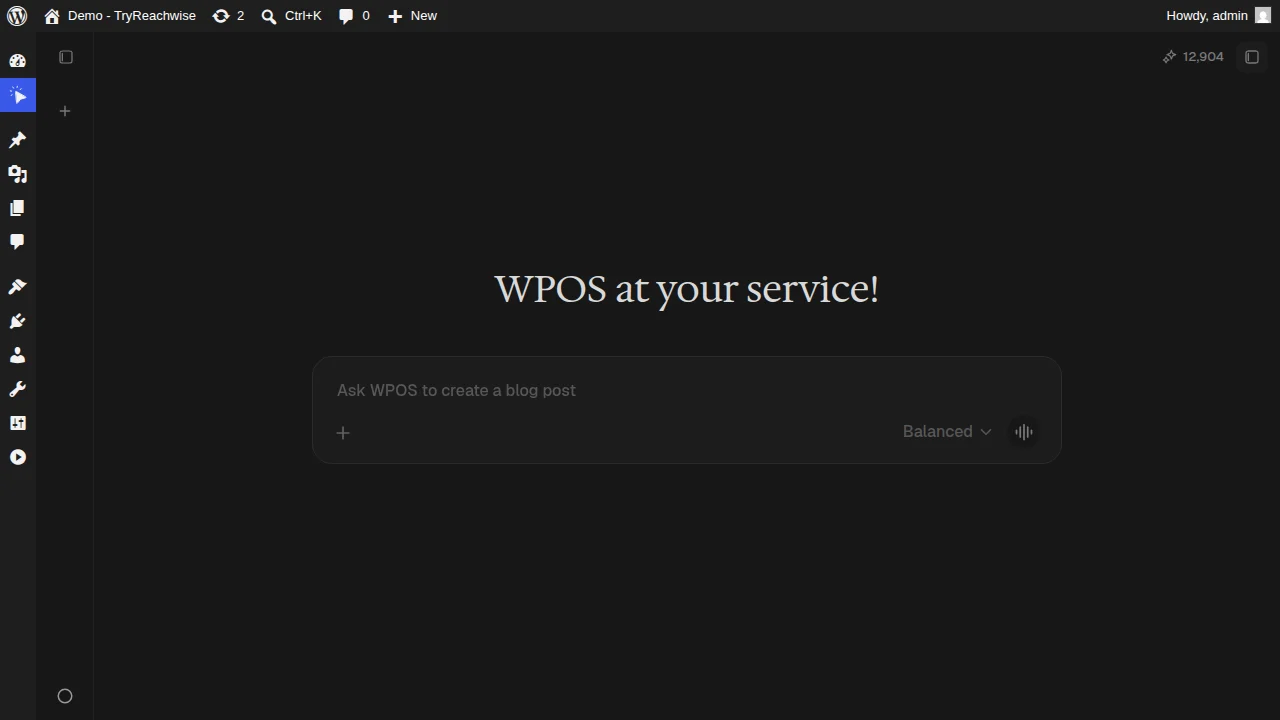
The WPOS chat: ask in plain language, with mode, voice, and attach controls.
Modes
The mode sets how the agent approaches a request. You can change it per chat, and set a default in Settings.Balanced
The default. A good balance of speed and depth for everyday changes.
Expert
More thorough reasoning for harder or higher-stakes work.
Controls
- Auto plan. When enabled in Settings, the agent shows a plan before executing complex tasks, so you can review the steps before it touches the site.
- Voice input. Dictate your request instead of typing. See Build by voice.
- Attach. Add a file to your message, or select an element in the preview to attach it. See Select and edit.
- Context window. Each conversation has a context budget. You can clear context or compact a long conversation from Settings when it gets heavy.
Conversations and tasks
- Conversations. Your chat history is kept, so you can reopen earlier threads and pick up where you left off.
- Tasks. Longer pieces of work show up in the Tasks panel with their status, so you can track what the agent is doing without watching the chat the whole time.