Google Search Console reports how a site performs in Google Search. Connect it to WPOS and the agent can use it as part of the work it does on your site.
Google Search Console reports how your site performs in Google Search: the queries people search, your ranking positions, click-through rates, and indexing problems. Connected to WPOS, the agent can read that data and act on it in the same session, beside your site’s live preview.Category: Analytics and SEO Actions available: 9+
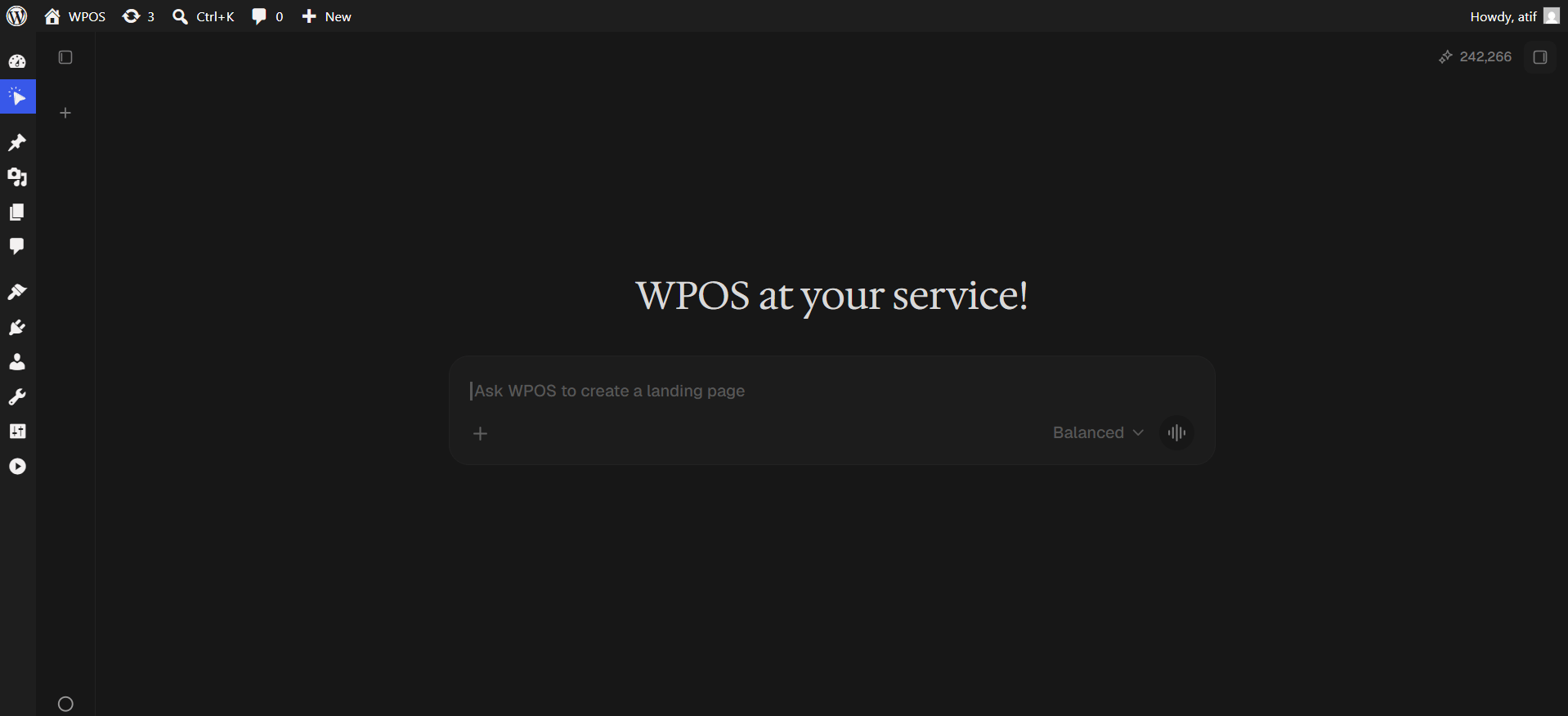
In WordPress admin, open WPOS. You land on the chat screen.
WPOS opens on the chat screen.
2
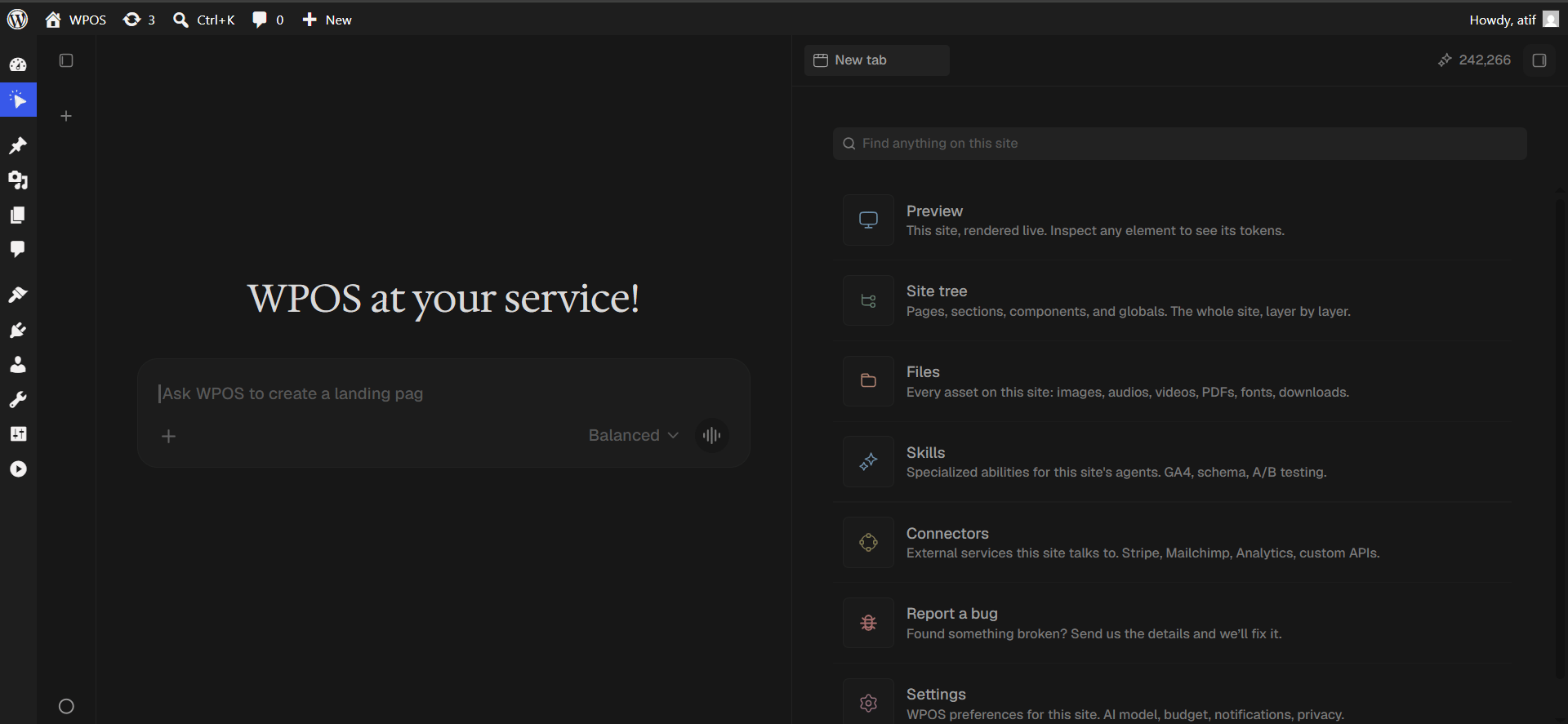
Open a new tab and choose Connectors
Click the + button to open the launcher panel, then choose Connectors.
The launcher panel. Connectors is the fifth entry.
3
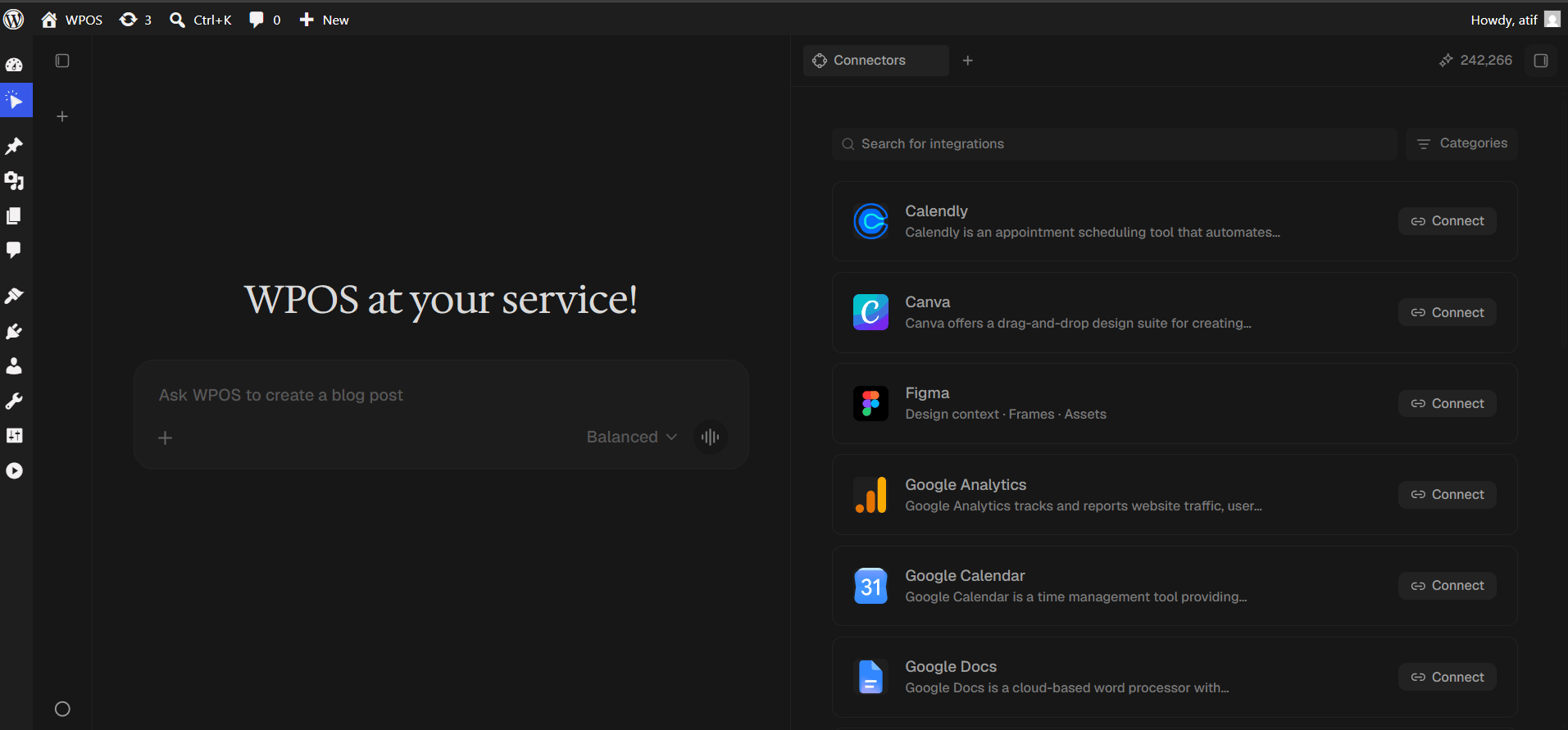
Find the connector
Every available connector is listed alphabetically, each with a button showing what it needs.
The Connectors panel, sorted alphabetically.
4
Search and press Connect
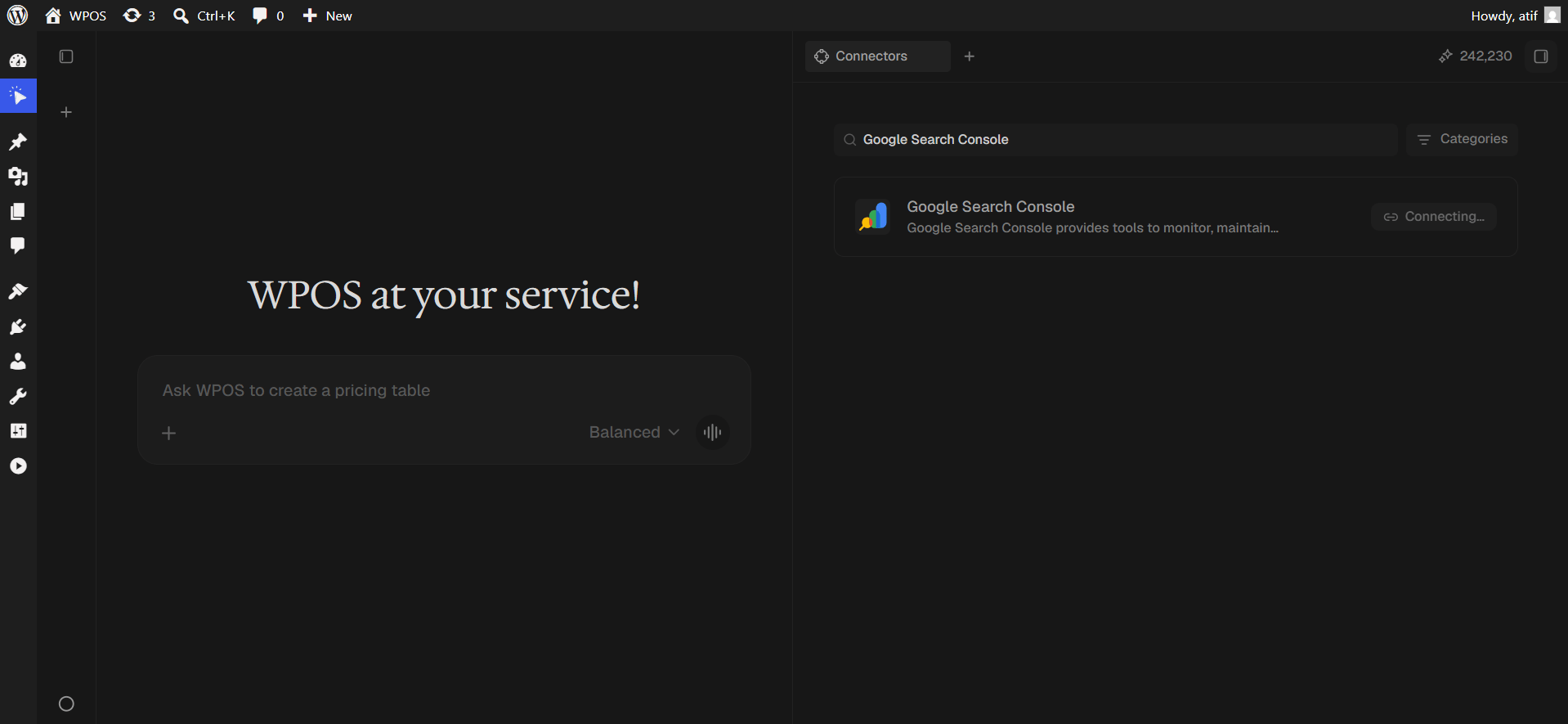
Type Google Search Console into Search for integrations, then press Connect.
The button reads Connecting while the popup opens.
5
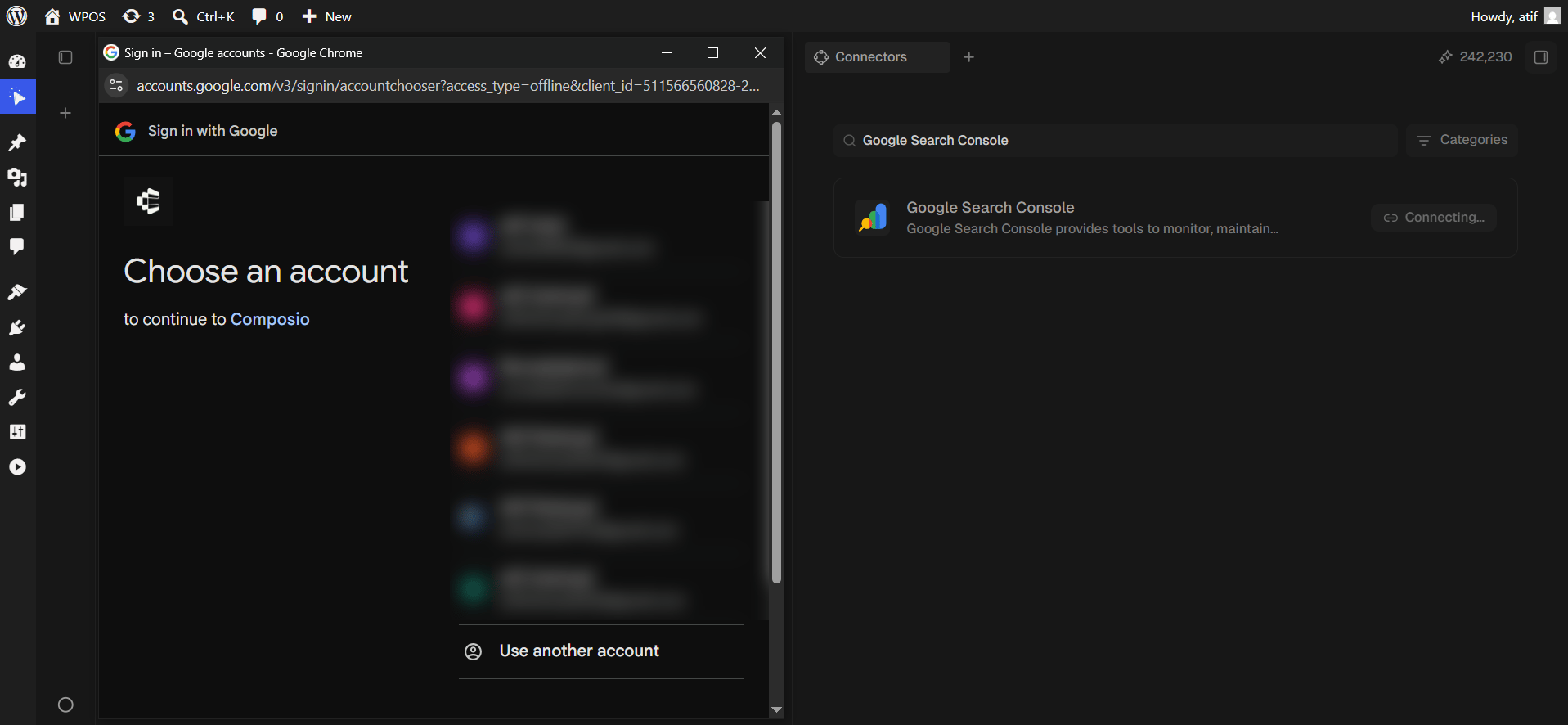
Choose your Google account
Pick the account that has access to the verified property.
Google asks which account to connect.
6
Grant access
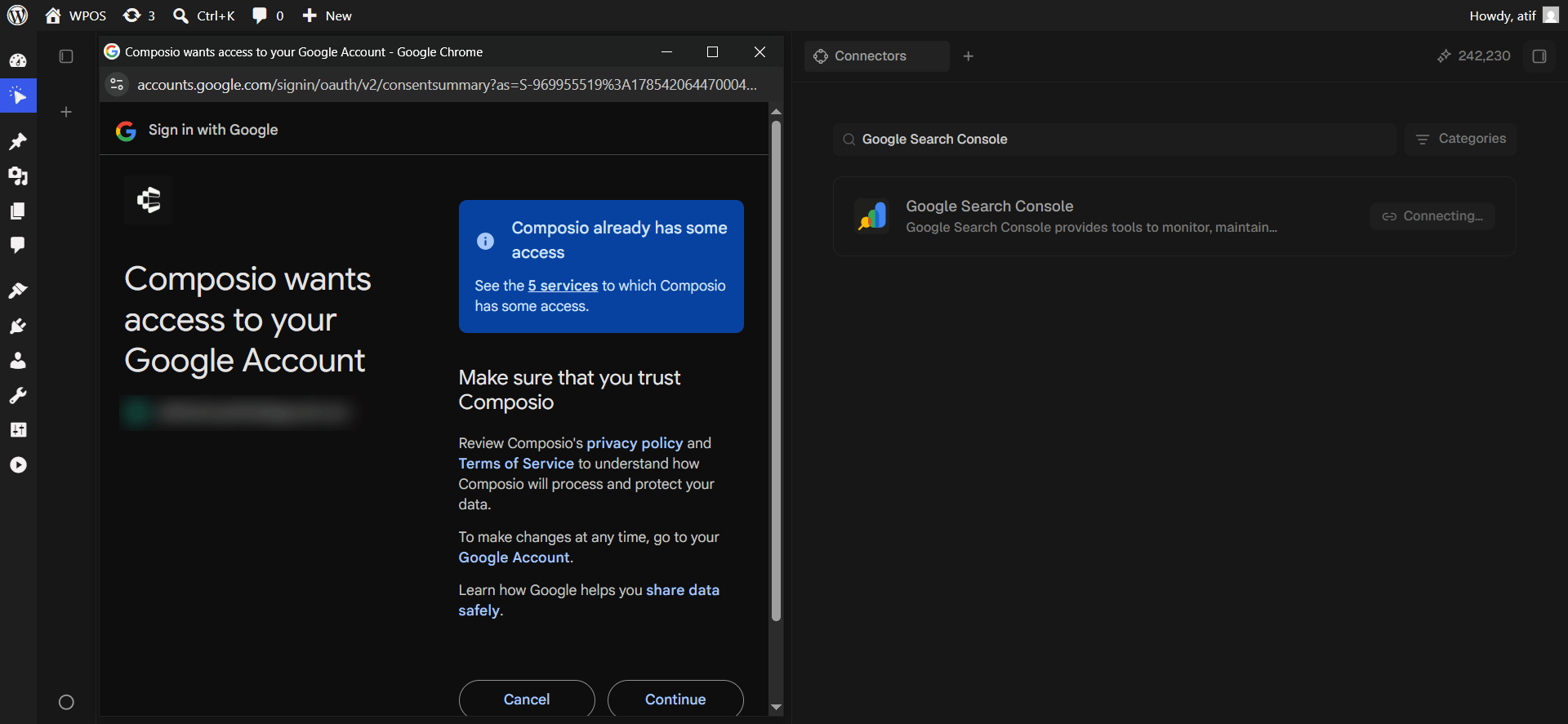
Review the request and click Continue.
This screen has two shapes. On a first authorization Google shows permission checkboxes that start empty, and you must tick Select all. Once Composio already holds access for your account it shows the shorter “Composio already has some access” screen with just Cancel and Continue, as pictured.
The short consent screen, shown when access already exists.
7
Confirm in WPOS
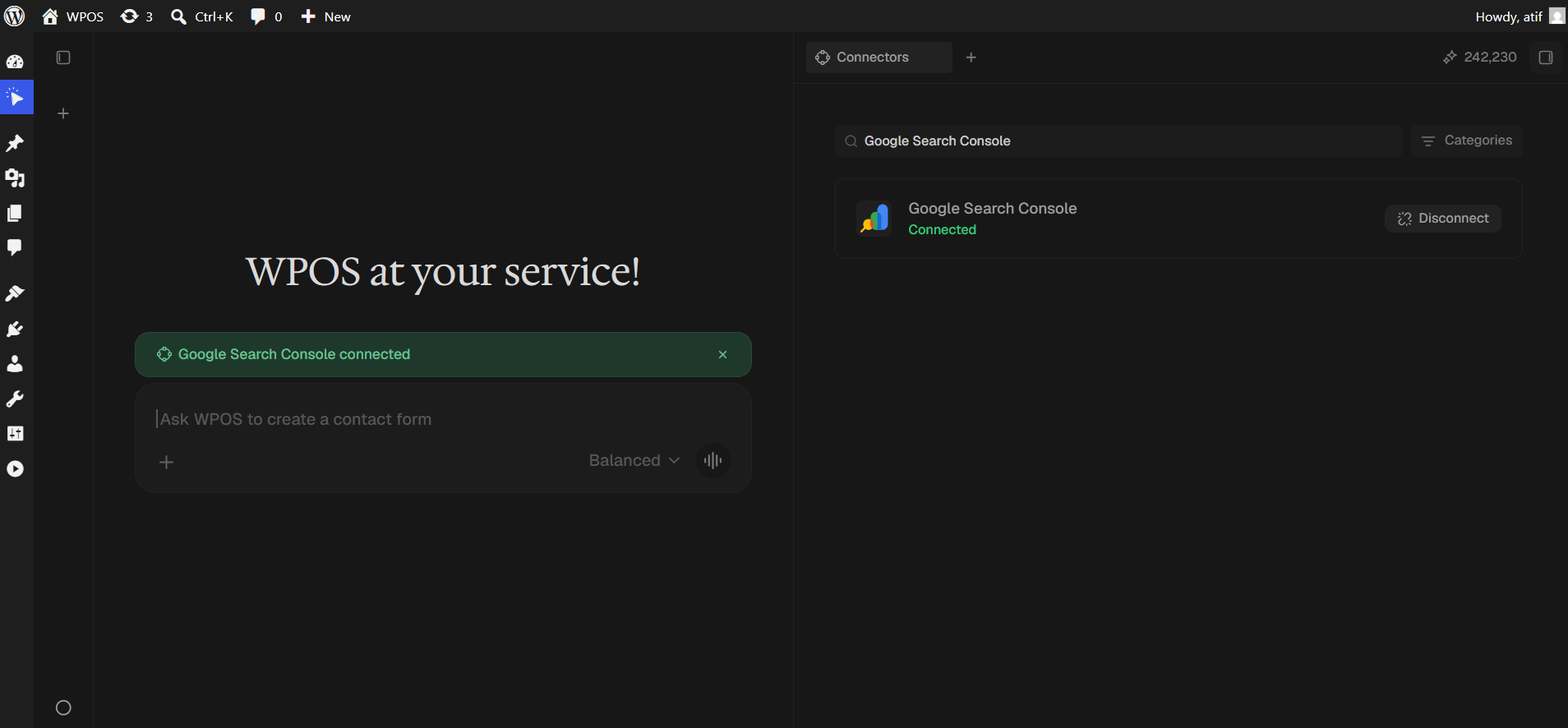
The row reads Connected with a Disconnect button, and a green “Google Search Console connected” banner appears in the chat.